
How to Stop Sending PDFs as Email Attachments
Every attachment gamble ends one of three ways: the mail server bounces it (“message exceeds size limit” — most cap out around 25 MB), it arrives and disappears into a black hole you'll never see into, or it arrives and lives forever in an inbox you don't control.
The fix isn't a bigger attachment limit — it's not attaching. Upload the PDF once, send each person a link, and the file stops being a copy you lost and becomes a door you hold the key to.
Upload once — even the huge one
One upload serves everyone you'll ever send this to. Keep it private, so access only flows through links you hand out:
curl -X POST https://apdf.io/api/docs \
  -H "Authorization: Bearer YOUR_API_TOKEN" \
  -H "Accept: application/json" \
  --data-urlencode "file=https://your-site.example/q3-board-pack.pdf" \
  --data-urlencode "name=Q3 Board Pack" \
  -d "is_public=0"
{
"data": {
"doc_id": "6eb41-45fe5-bd354",
"viewer_url": "https://docs.apdf.io/studio/6eb41-45fe5-bd354",
"file_url": "https://apdf-files.s3.eu-central-1.amazonaws.com/docs/202607/b2388c226a61cf555e433.pdf",
"name": "Q3 Board Pack",
"file_size": 77952379,
"file_pages": 12,
"is_public": false,
"created_at": "2026-07-23T08:23:00.000000Z",
"archived_at": null
}
}That's 77,952,379 bytes — a file no mail server would carry — accepted in one call. Documents up to 100 MB work; your workspace just needs a handle (set once in the dashboard) since it becomes part of the viewer URL.
Send a link, not a file
Mint each recipient their own link — it's what turns “somebody opened it” into “Miriam read it”:
curl -X POST https://apdf.io/api/docs/6eb41-45fe5-bd354/links \
  -H "Authorization: Bearer YOUR_API_TOKEN" \
  -H "Accept: application/json" \
  -d name="Miriam Wolfe" \
  -d email="miriam@boardseat.example"
{
"data": {
"token": "dk63VFZc",
"name": "Miriam Wolfe",
"email": "miriam@boardseat.example",
"url": "https://docs.apdf.io/studio/6eb41-45fe5-bd354?v=dk63VFZc",
"is_active": true,
"last_viewed_at": null,
"created_at": "2026-07-23T08:23:15.000000Z"
}
}Your email is now one sentence and a URL. It sails through every size filter, previews cleanly on phones, and forwards without dragging 74 MB along — anyone who gets it forwarded still walks through your door.
What lands on their side
No file in the Downloads folder, no “which app opens this?” — the browser is the app. The viewer renders the document with navigation, zoom and annotations in the toolbar, and nothing for the recipient to install:
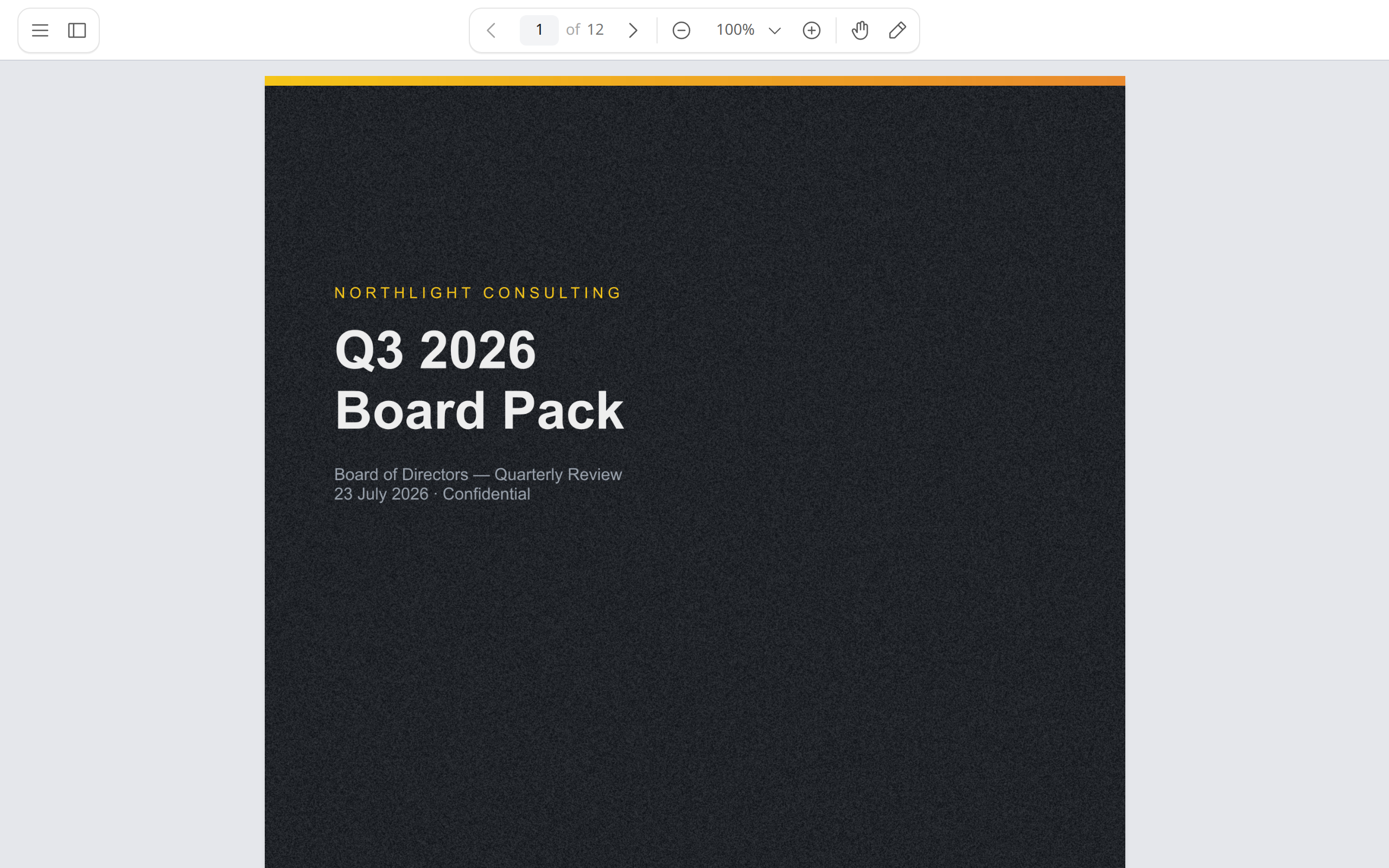
Works the same on a boardroom iPad and a phone in a taxi — the recipient never installs anything, and never keeps a stale copy.
Keep the powers an attachment gives away
- You can take it back. An attachment is forever; a link dies the moment you say so — per person, reversibly. The revocation tutorial covers the kill switch and scheduled expiry.
- You see into the black hole. Every open, page and dwell time comes back attributed by name — who read what, and the moment it happens.
- One source of truth. Attachments fork into inbox copies the day you hit send; the link always opens the document you're hosting.
Where to go from here
The link is the upgrade — these are the powers it unlocks.
Related tutorials
Share PDF Links That Expire — or Revoke Them After Sending
An attachment is forever; a tracked link is a kill switch. Make the document private, mint a revocable link per recipient, shut off one person without touching the rest — history intact, restorable anytime — and expire whole batches on a cron schedule.
See If Clients Actually Read Your Monthly Reports
The report nobody reads is the retainer nobody renews. Tracked links per client sort the portfolio in one sweep — both Meridian stakeholders read cover to cover, Brightpath flicked for 15 seconds, Okafor never opened — and per-page data tells you whether your decision request was ever seen.
Mint PDF Tracking Links from ChatGPT
The share decision happens mid-conversation, not in a dashboard tab. The MCP server speaks to any client — including ChatGPT — so 'share the pricing guide with Elif' mints her tracked link inside the draft you were writing, and the same chat checks who read and kills a leaver's old link.